
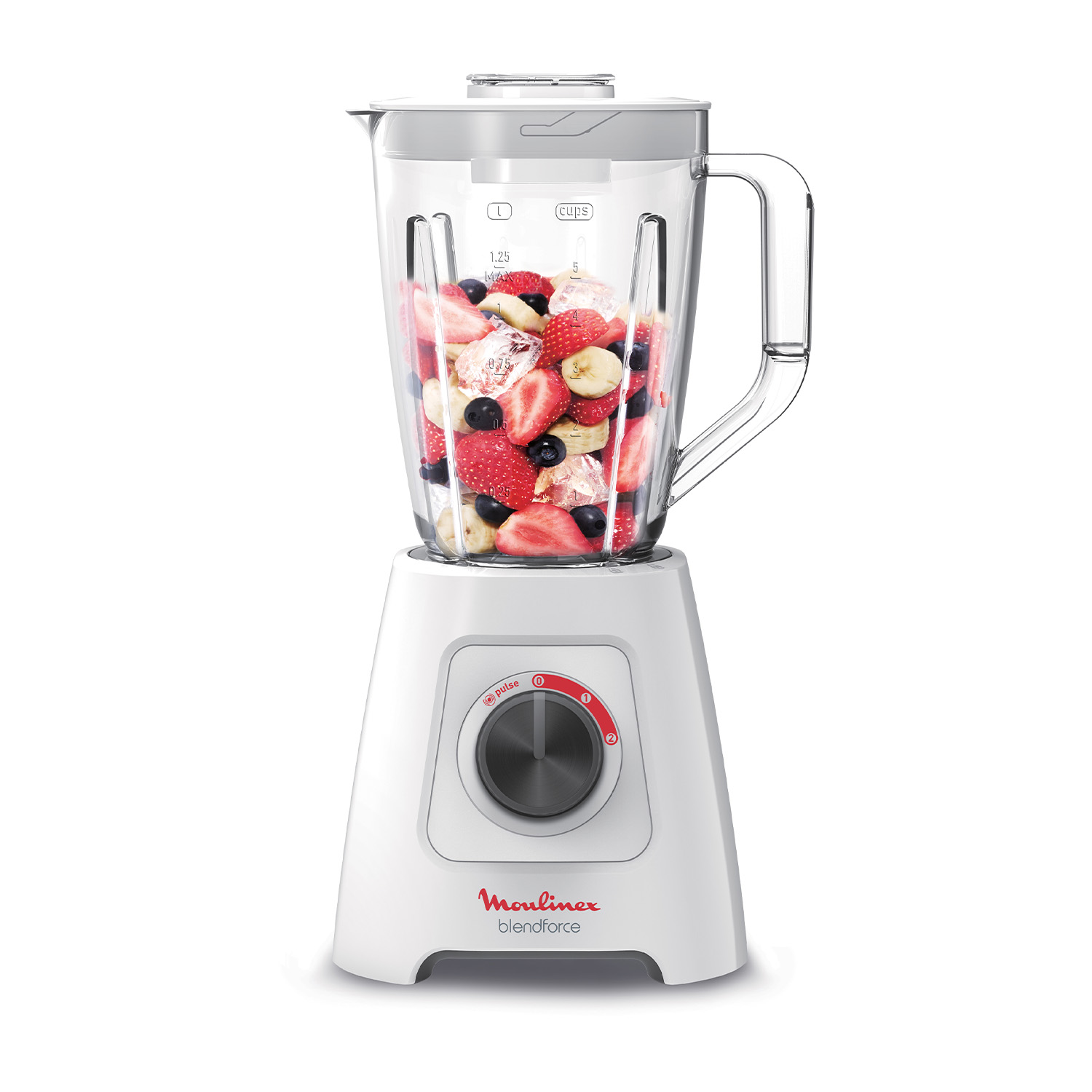
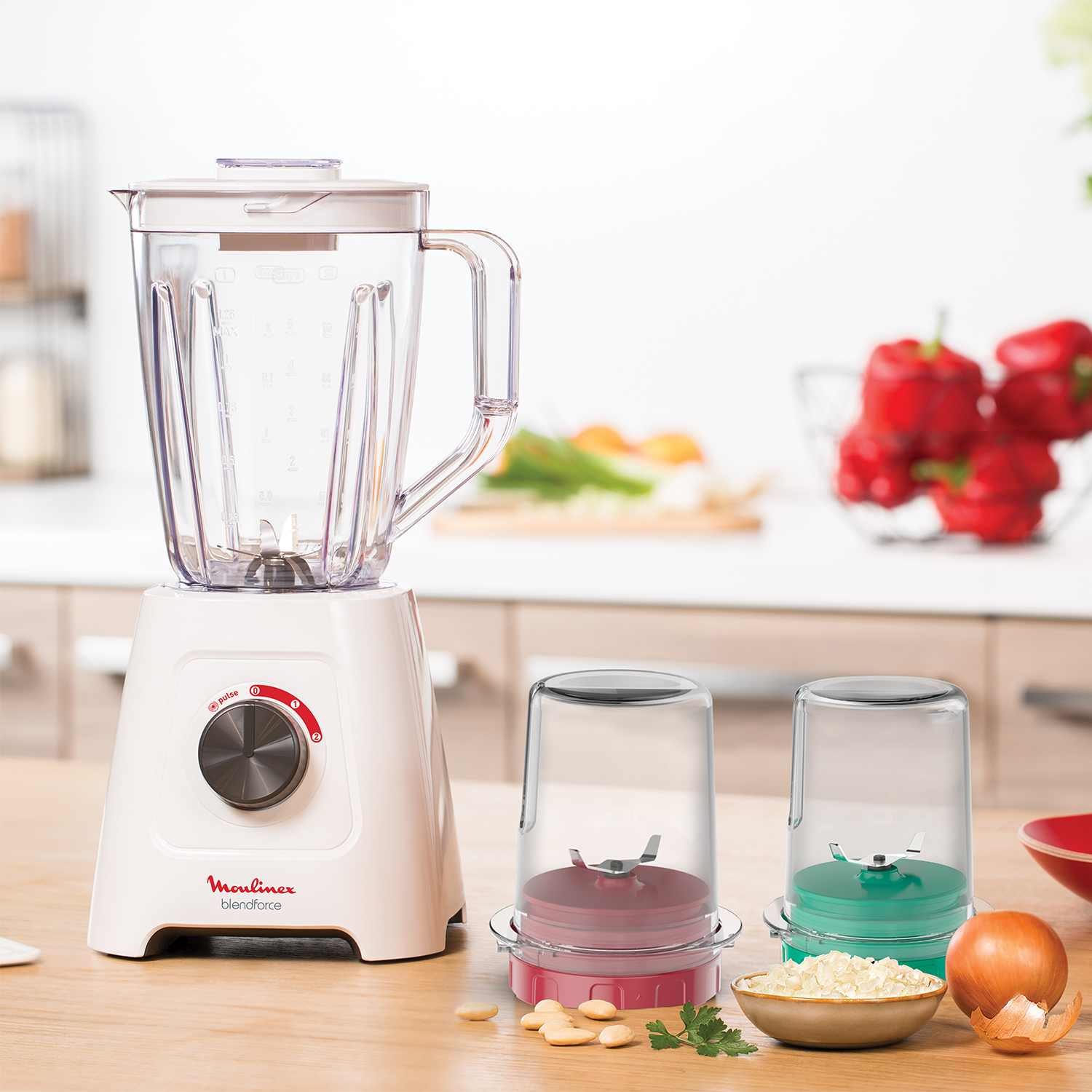

Moulinex Blendforce Blender, 800 Watt, 2 Liter, Grinder and Chopper - LM4231EG
- Availablity : In stock
- Brand: Moulinex
- Instruction For UseFor more info click hereWarranty1 Year
Key features
Enhance your blending experience.
- Powerful blender with 800W.
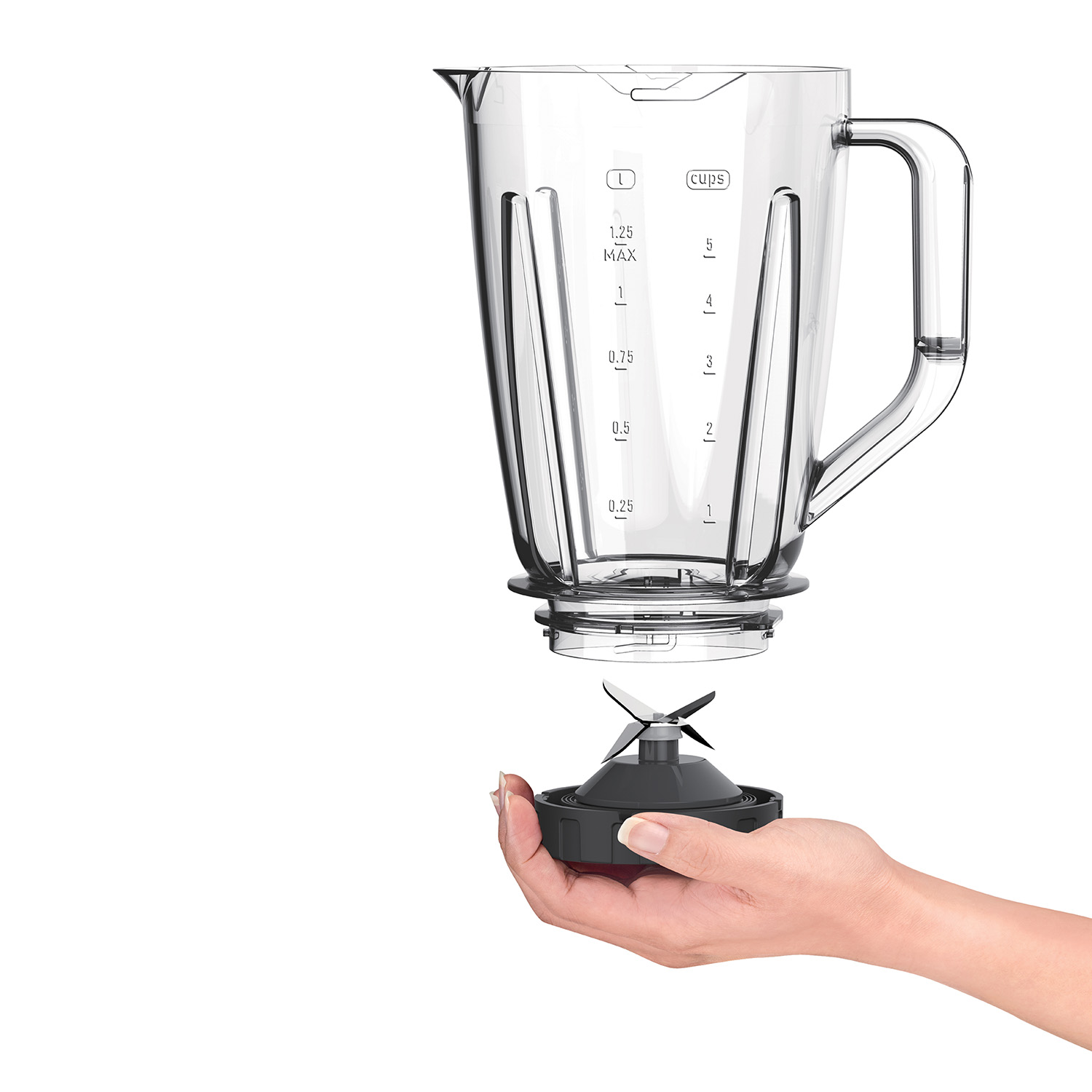
- 4 sharp blades for effeciency blending results.
- Plastic Jar with 2L Capacity
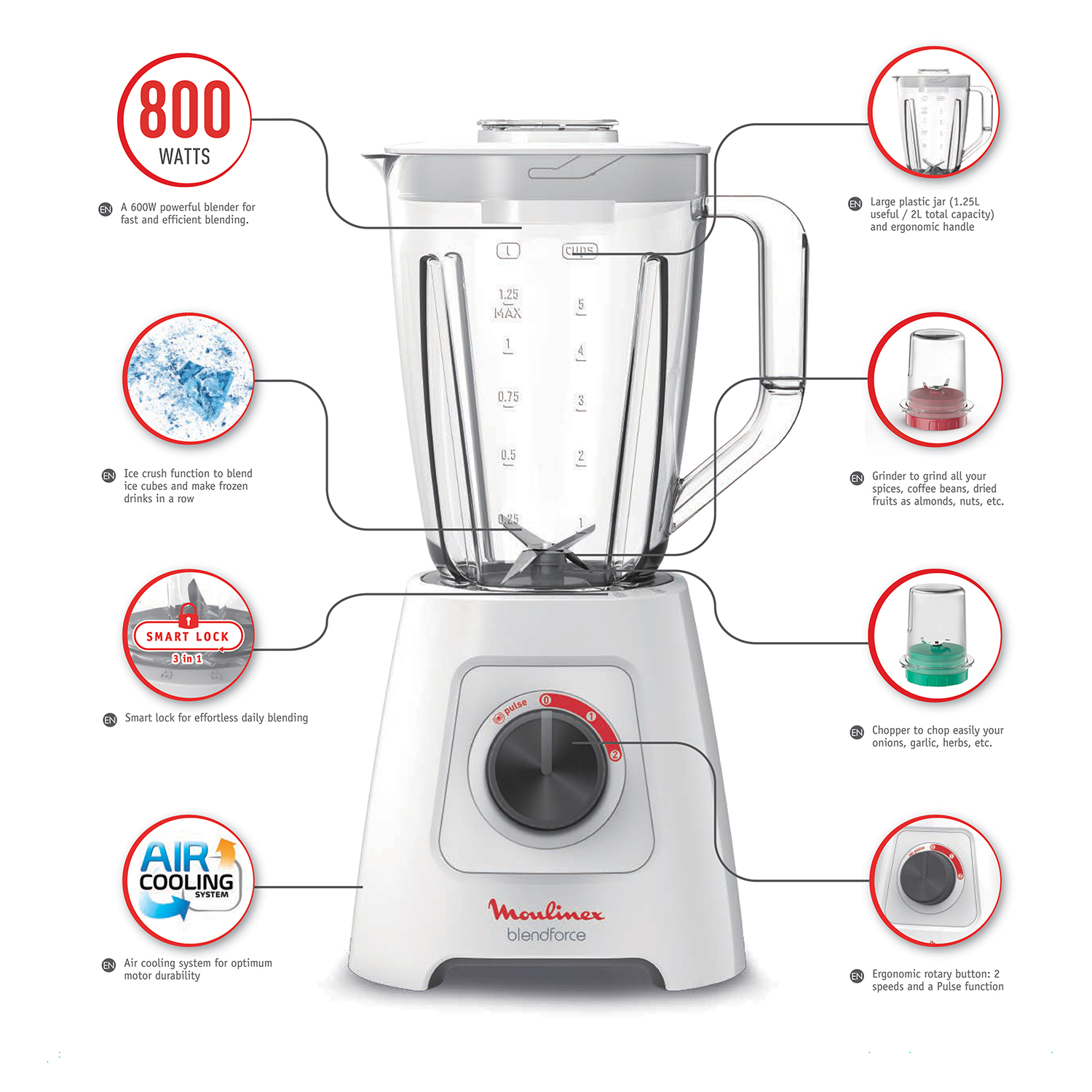
- Air Cooling System optimizes airflow around the motor to prevent overheating.
- Up to 3 minutes of continuous blending on any of the three speeds (high, low, pulse).
- Smart Lock for effortless daily blending in 3 actions.
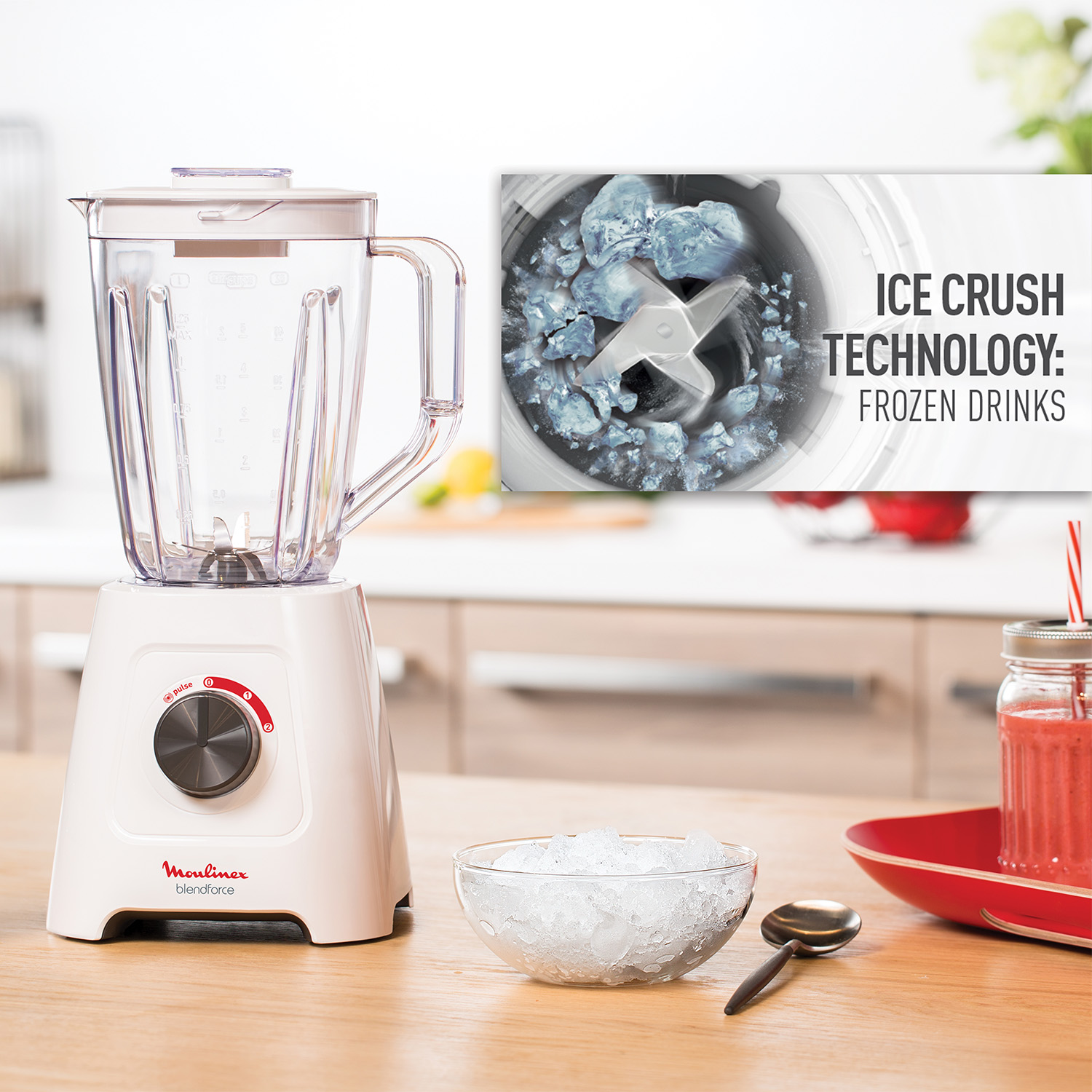
- Efficient ice crush function won’t overburden the motor or damage the jar.
- Suction cups on the base provide stability to the blender.
- An ergonomic handle and textured grip around the function dial for comfort and ease-of-use.
- Grinder to grind all your spices, coffee beans, dried fruits as almonds, nuts, etc.
- Chopper to chop easily your onion, garlic, herbs, etc
Moulinex Blendfroce Blender, 800 Watt, 2 Liters, Grinder and Grater - LM4231EG.
Blendforce produces blending results with power and ease. With 800W motor for high performance, enjoy fast and efficient blending. The generous 2L Capacity is perfect for any occasion, with a measuring cup included for extra precision. This blender features an innovative Air-Cooling System that optimizes airflow around the motor to increase durability and prevent overheating for up to 3 minutes of continuous blending. Thanks to the 3 actions of the Smart Lock Technology, you have an effortless daily blending. Action 1 : Easy Lock : New external locking for more comfortable closing (40% easier to lock). Action 2 : Easy Safety : New safe auto lock system on the base to have the blades perfectly secure when you lock the jar. Action 3 : Easy Clean :New clic clean to split the blade holder in 2 parts for an easy cleaning. Operating the blender is easy and comfortable, with a textured grip around the rotary button for smooth turning, an ergonomic handle with a natural, intuitive feel, and suction cups on the arched base providing added stability. Unlock a wide variety of choices, including smoothies, soups, sauces, chili paste and ice crushing, for delicious and perfectly-blended results every day. Thanks to its 2 accessories, a grinder and a chopper, you can grind all your spices, coffee beans, dried fruits as almonds, nuts, etc. and chop easily your onion, garlic, herbs, etc
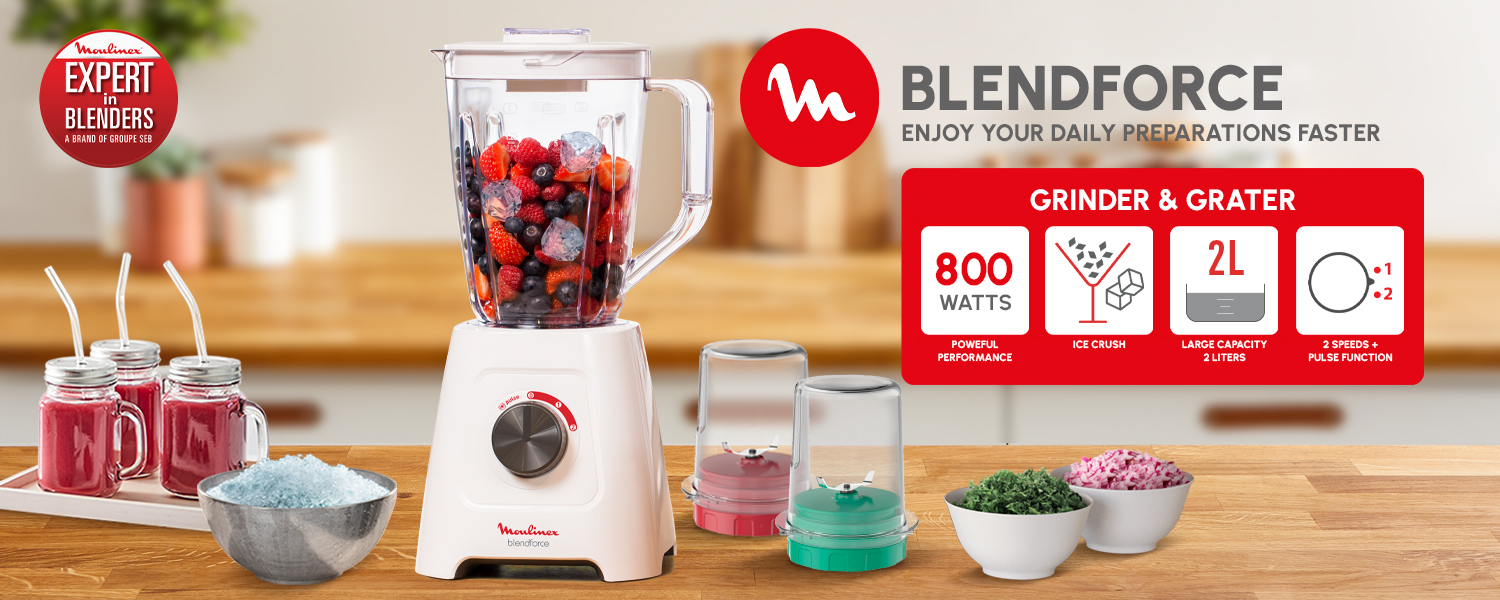

A powerful 800 W blender with 4 blades for perfect and fast blending without any chunks.
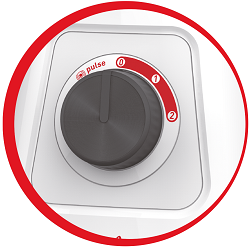
Ergonomic rotary button with its 2 speeds and a pulse function
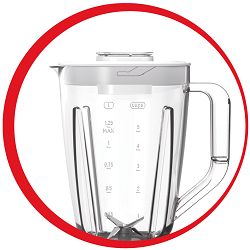
A 2 L total jar with 1.25 L of blending space and a measuring cup included for extra precision provides the ideal quantity for the entire family, perfect for both everyday use and when entertaining guests.

Crush ice with absolute efficiency and no fear of overburdening the motor or damaging the jar to make frozen drinks in a row

Innovative Air-Cooling System for optimum motor durability thanks to the air flow. You can have up to 3 minutes of continuous blending.
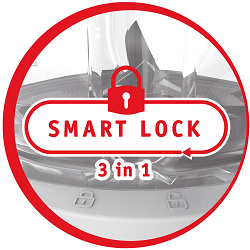
Smart Lock for effortless daily blending
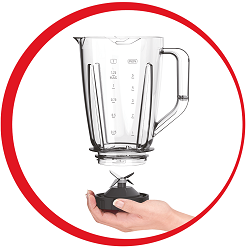
New external locking for more comfortable closing. (40% easier to lock*)
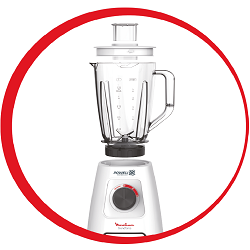
New safe auto lock system on the base to have the blades perfectly secure when you lock the jar.
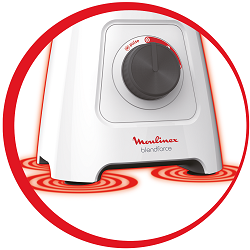
Suction cups on the base provide stability to the blender
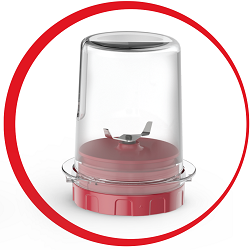
The grinder is powerful enough to mill spices, pulverize nuts, and even grind coffee beans in your kitchen.
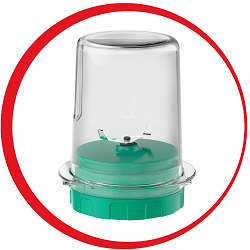
The chopper is perfect to effortlessly prepare onion, garlic and fresh herbs for your dishes
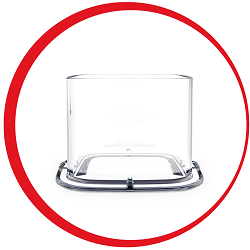
Included dusing cup for small quantities.
Product technical specifications
| Power | 800 Watt |
| Number of blades | 4 |
| Colors | White |
| Additional included accessories | CHOPPER, GRINDER |
| Jar total capacity | 2 L |
| Jar useful capacity | 1.25 L |
| Jar material | Plastic |
| Speed settings | 2 |
| Ice crush function | Yes |
| Suction feet for stability | Yes |
| Dosing cup | Yes |
| Dishwasher safe | Yes |
| Dishwasher safe - details | Jar without blades, lid, dosing cup |
| Cord Storage | Yes |
| Programs | No |
| Product dimension (unpacked) | 185 x 180 x 370 (mm) |
| Product weight (unpacked) | 2.214 (KG) |
| Country of origin | Egypt |
Technical Support
What should I do if my appliance is not working?
What should I do if the power cord of my appliance is damaged?
Can food be added while the appliance is in operation?
To add ingredients during mixing, remove the feeder cap and insert the ingredients through the filling hole in the lid.
The blade does not rotate easily.
Always use the blender with the lid or guard in place as indicated in the instructions.
Never put your hand in the blender jug when it is placed on the motor unit. If you need to push the food down, use a suitable tool, for example a spatula.
I've just opened my new appliance, and I think there is a part missing. What should I do?
Where can I buy accessories, consumables or spare parts for my appliance?
Various Topics
What is the "ICE CRUSH" function?
How do I clean the blender? Can I put it in the dishwasher?
To clean the bowl, use soapy water or washing-up liquid.
Some bowls are dishwasher safe, see instructions for use.
In what order should the food be placed in the bowl?
What is the maximum size for food that can be put into the blender?
Can I put the blender bowl in the microwave?
What should I do before using my blender for the first time?
My appliance vibrates excessively during use.
The volume of ingredients to be blended is too high, reduce the quantity of ingredients.
If the vibrations persist, contact an approved repair center.
Where can I dispose of my appliance at the end of its life span?
What type of foods can I cut with the chopper (according to the model)?
How can I mix dry ingredients?
Stop and leave the blender on pause for 15 minutes before restarting.
What are the guarantee conditions of my appliance?
Can I use the "The Perfect Mix" feature with a blender that is not available in the app?
In the "The Perfect Mix" feature, what is the difference between the "Authentic", "Intrepid" and "Generous" mixes?
"The Perfect Mix" is a feature dedicated to blenders. Developed with a French Chef, this feature offers you many ideas of combinations with different ingredients.
Choose a fruit or a vegetable, a type of preparation and discover the possible combinations organised in three levels:
- Authentic: simple combinations with another fruit or vegetable.
- Intrepid: add an extra touch with the addition of a spice, condiment or flavouring.
- Velvet: go even further with an extra touch of deliciousness (coffee, chocolate, dairy products, oils etc.).
I cannot download my application.
If your application does not download correctly, delete it and try to download again when you have a more stable Wi-Fi connection.
During initial installation, the download may take several minutes while the application saves all the photos on your Smartphone or tablet.
Use the "Bookmark" and "My Favorites" functions: How do I add a recipe to a favorites book?
• Go to the recipe you wish to bookmark and select the bookmark logo in the top right corner.
• A "My Notebooks" tab appears: select the "My Favorites" location.
• The recipe has been added.
How can I share a recipe?
Click the sharing logo to view the sharing options.
You can then choose how you would like to share this recipe.
How do I use the search function?
• Enter a word in the search field.
Tip: recipes are found using key words, so it is easier to enter a type of vegetable (e.g. carrot) rather than just vegetable.
Why am I being asked to accept cookies?
Audience measurement solutions allow us to analyze traffic, trends, usage and identify malfunctions in order to improve your experience.
Personalization solutions allow us to improve the quality of the information and services we provide and make your experience more enjoyable.
You can accept or deny the use of cookies when you first launch your device.
How to use the filters?
The customizable filter:
• Click on "Filter" in order to sort the recipes according to the type of dish (starter, main course, dessert), the time it takes to make the recipe, the minimum rating, their themes (or packs)...
• You can also choose to select only the recipes of the brand or the recipes proposed by the community.
Sorting recipes:
Once you have made a search, you can sort your recipes by popularity, rating, age or alphabetical order.
Do I have to accept cookies?
However, the grey cookies banner will remain on your screen as long as you do not click on "accept".
How can I find the recipes created by the community?
In the "Recipes" section, select "Community" only.
You will then be able to see the recipes from the community.
I can't rate the recipe / post a comment.
Once logged into your account, you will be able to rate the recipe and add a comment by following the instructions that appear on the screen after clicking on the notes/comments space.
I can't see the comments.
Once logged in, you will be able to read the comments and see the notes that community members have given to the recipe by clicking on the notes/comments area.
Use the "Bookmark" and "My Favorites" functions: How do I find a saved recipe booklet?
• Choose the "My Universe" tab in the navigation bar.
• There, you will find your recipe booklets and can create new ones by clicking on "New booklet".
Use the "Bookmark" and "My Favorites" functions: How do I edit or delete a recipe booklet?
The app is no longer working on Android 4.4.
As far as possible, we recommend that you update your device to a higher Android version or use another compatible device.
Updates will not only allow you to enjoy a richer experience with new features and compatibility with the latest technology, but will also protect you against possible security vulnerabilities that have been fixed in the latest versions.
Why select my product on the app?
It will also let you add your accessories and access the associated recipes.
How do I change/delete my product in the app?
• Click on the image of the registered product.
• Click on "Remove the product". The app will then ask you to select a product.
I no longer wish to receive notifications, what should I do?
If you wish, you can disable them from your smartphone settings.
How can I turn off the sound in the application?
If you want to turn off this signal, simply deactivate it in your tablet or Smartphone.
You may also disable sounds in the parameter settings for notifications on your telephone or tablet.